Buy Microsoft Visual Studio 2026 CD Key for PC

  • PC
Microsoft Visual Studio 2026 cover
Redeem Ticket 9217

The cheapest price is 12.00€ (-0%) at Wincdkey with a rating of 4.5 (892 reviews) · Region Global · We compare prices at 2 verified stores with 2 active offers · Updated on 24/12/2025 01h 01min. ago

Stores (2)
Offers
Available regions
Price
OOPS!! No official stores available at the moment

Gocdkeys - Transparency and credibility


All store links contain affiliate links that help us keep Gocdkeys running at no extra cost to our users. If you have any questions about our service, you can contact us via our email or through our Discord.


More than 4.5M users in 13 years have trusted us to find the best deals - Trustpilot 4.7/5 ★

More than 90 online stores where we find the best deals for gamers

24/7 support to help you with any issues in your purchases

We track prices every 2 hours and sort by final cost - Last update: 2025-12-24 12:05:20


Visual Studio 2026 – Information, licenses and where to buy the cheapest digital key


Visual Studio 2026 is the latest version of Microsoft’s integrated development environment, designed for professional developers working on desktop, web, mobile, cloud, and enterprise applications. On this page, you can buy Visual Studio 2026 at the best price, compare offers from verified online stores, and choose the license that best fits your needs.

It is a 100% digital product, so activation is carried out using an official key linked to your Microsoft account, with no physical media or shipping required.

What is Visual Studio 2026 and what is it used for?


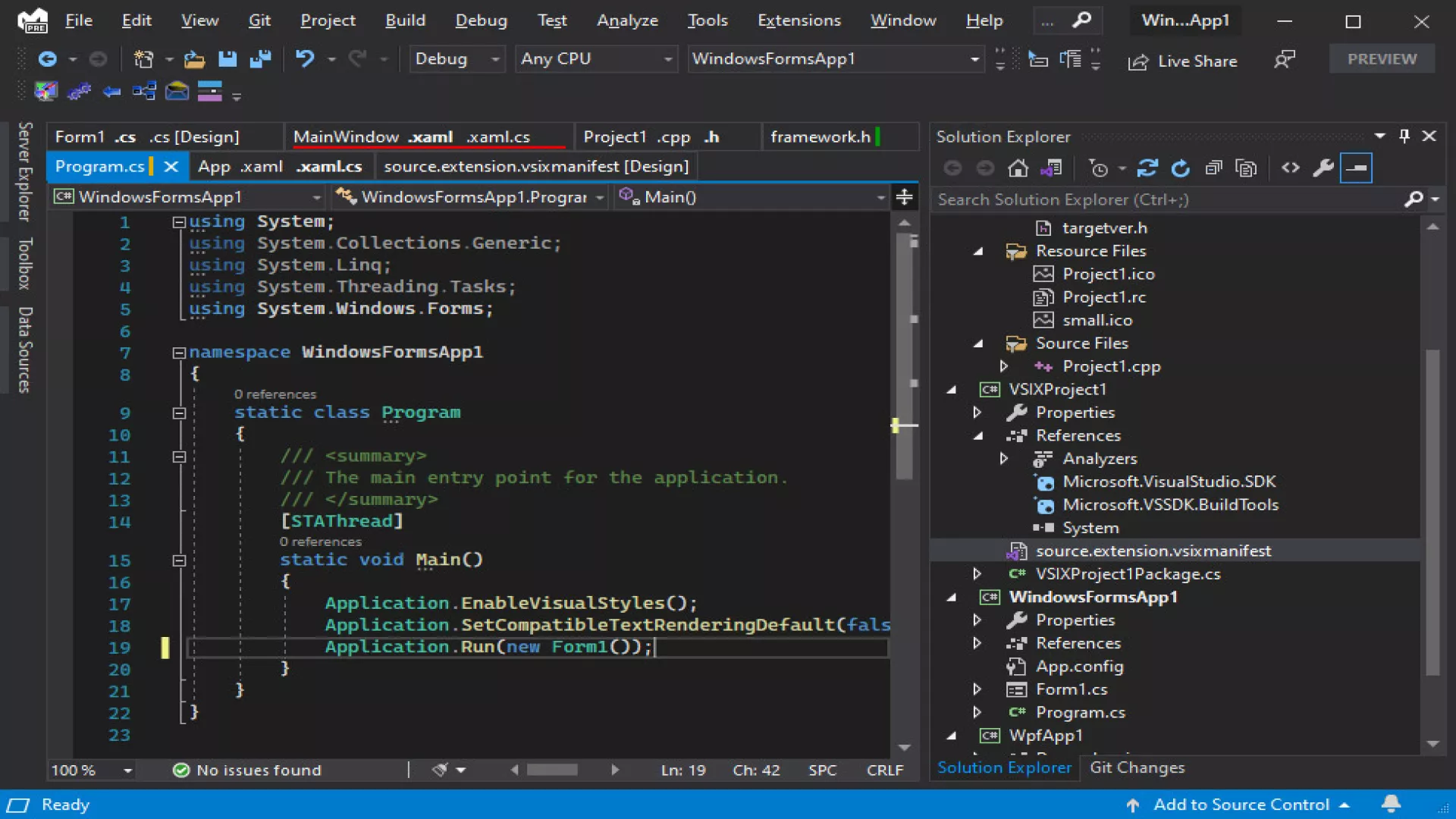
Visual Studio 2026 is a complete IDE that allows you to develop, debug, test, and deploy applications from a single working environment. It is designed for both individual developers and professional teams who require advanced productivity tools, version control, automated testing, and compatibility with modern development environments.

It is commonly used in software companies, development studios, technical training centers, and professional projects where stability, performance, and scalability are essential.

Main features of Visual Studio 2026


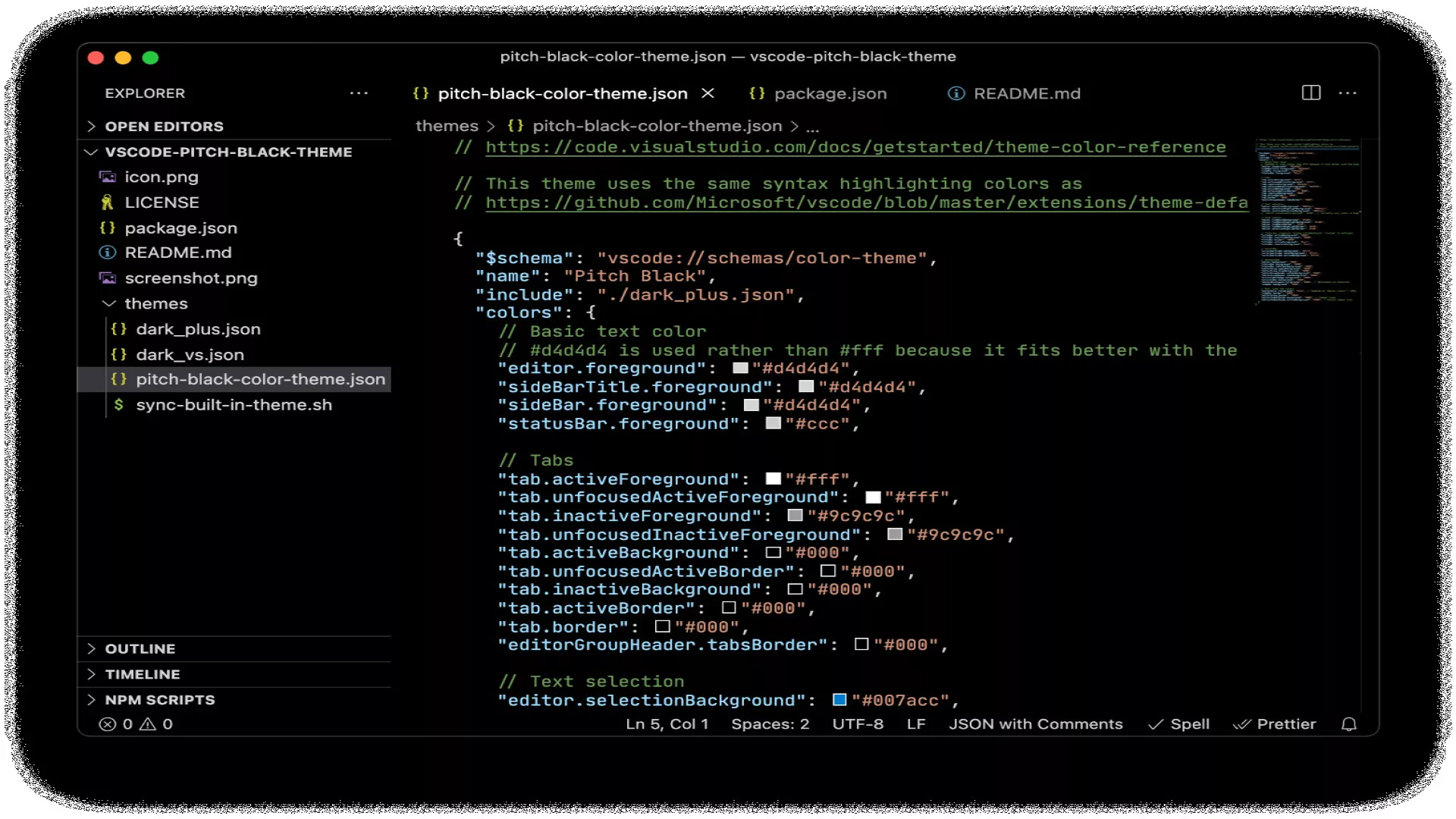
Visual Studio 2026 supports the most widely used programming languages today, allowing you to work on projects using C#, C++, .NET, Python, JavaScript, and TypeScript from a single environment. Its advanced code editor improves productivity through intelligent autocompletion and real-time analysis.

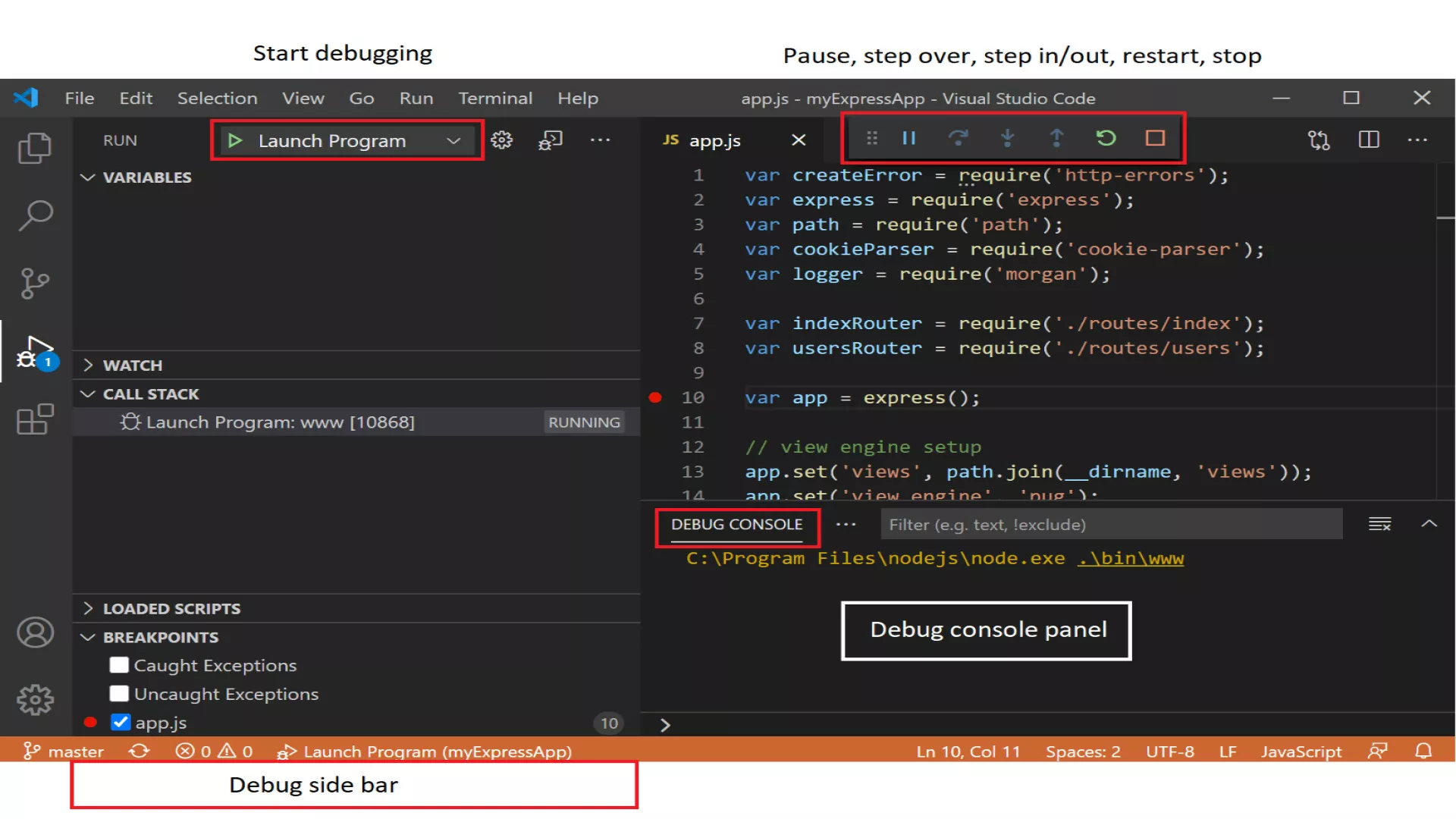
It includes high-level debugging and diagnostic tools that help detect errors and optimize application performance. It also integrates cloud services and supports the development of web, desktop, mobile, and game applications, with extended functionality through a comprehensive extension system.

Available editions of Visual Studio 2026


Visual Studio 2026 is available in several editions adapted to different types of users. The Community edition is intended for students, educational use, and personal projects, while the Professional edition is aimed at individual developers and small businesses.

The Enterprise edition is designed for large teams and corporate environments, offering advanced testing, analysis, and collaboration tools. On this page, you will usually find the Professional and Enterprise editions available as digital keys.

License and activation of Visual Studio 2026


Visual Studio 2026 is activated using an official digital key. After purchase, simply sign in to your Microsoft account, enter the corresponding key, and download the software from the official website.

Once activated, the license is linked to your account, allowing you to reinstall Visual Studio 2026 in the future if needed, always in accordance with the terms of the purchased edition.

System requirements for Visual Studio 2026


Visual Studio 2026 requires a 64-bit Windows operating system and a processor compatible with modern architectures. It is recommended to have at least 8 GB of RAM to work smoothly with projects and sufficient free disk space for installation and additional components.

An Internet connection is also required for initial activation, installer downloads, and regular updates. Exact requirements may vary depending on the edition and selected components.

Why buy Visual Studio 2026 at the best price?


The official price of Visual Studio is usually high, especially for professional editions. Thanks to competition among online stores, it is possible to find cheaper digital keys without losing any functionality or access to official support.

Comparing prices before purchasing allows you to save significantly on professional licenses while accessing a complete development environment at a lower cost.

Compare prices for Visual Studio 2026


On this page, you can check updated offers for Visual Studio 2026, see which stores have available stock, and choose the safest and most affordable option. All listed offers come from verified sellers and original licenses.

Frequently asked questions about Visual Studio 2026


Is Visual Studio 2026 a physical or digital product?
Visual Studio 2026 is distributed exclusively in digital format. After purchase, you receive an official key that is activated directly on your Microsoft account, with no discs or physical shipping.

Which edition of Visual Studio 2026 should I buy?
This depends on your intended use. Community is free and suitable for students and personal projects. Professional is designed for individual developers and small businesses, while Enterprise is aimed at large teams and corporate environments.

Is the Visual Studio 2026 license permanent or subscription-based?
Professional and Enterprise editions may be sold as perpetual licenses or subscriptions, depending on the offer. It is always advisable to check the specific license conditions before purchasing.

Can I install Visual Studio 2026 on more than one computer?
The license is linked to your Microsoft account. In general, multiple installations are allowed as long as usage complies with the license terms and is not simultaneous beyond permitted limits.

Does Visual Studio 2026 work without an Internet connection?
Once installed, Visual Studio 2026 can be used offline for development. However, an Internet connection is required for initial activation, component downloads, updates, and cloud services.

Is it compatible with projects from previous versions?
Yes. Visual Studio 2026 maintains compatibility with most projects created in previous versions, allowing existing solutions to be opened and migrated smoothly.

Is it safe to buy a Visual Studio 2026 digital key online?
Yes, as long as it is purchased from verified stores. Comparing prices among reliable sellers ensures original licenses and valid activations.

Does it include official support?
Original licenses include access to updates and support depending on the purchased edition, with Enterprise editions offering more advanced support options.
+ 15 Tickets for comment I want more!

What do our users think of Microsoft Visual Studio 2026 for PC Digital?

0/5 (0 Comments)

No comments.

To comment, at Gocdkeys.

Before commenting, verify your account from the link sent to your email.

Rate and comment: your experience matters!

You are registered as:
Rate your stars
0/250 Thank you for your comment, it will be reviewed by our team shortly.
You must type a minimum of 250 characters
Join US on Discord! icon Join US on Discord!
Join US on Discord! icon +15 Tickets
Join US on Telegram! icon Join US on Telegram!
Join US on Telegram! icon +15 Tickets
Download our Extesion! icon Download our Extesion!
Download our Extesion! icon +80 Tickets
Use our Extesion! icon Use our Extesion!
Use our Extesion! icon +2 Tickets
Write a game review! icon Write a game review!
Write a game review! icon +15 Tickets
Write a store review! icon Write a store review!
Write a store review! icon +15 Tickets

What are the tickets for?

To win the tickets, your email in Gocdkeys must match your email in Discord.

The comment must be original, with a minimum of 250 characters, will be reviewed manually and can take up to 48h to be approved.